AR
safety training

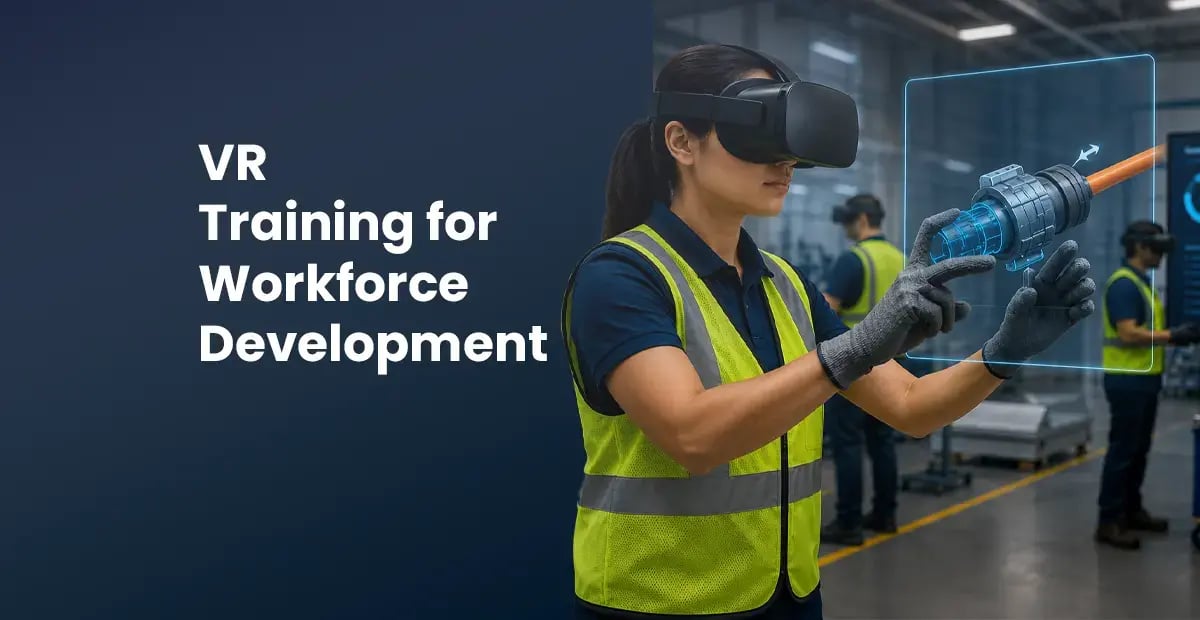
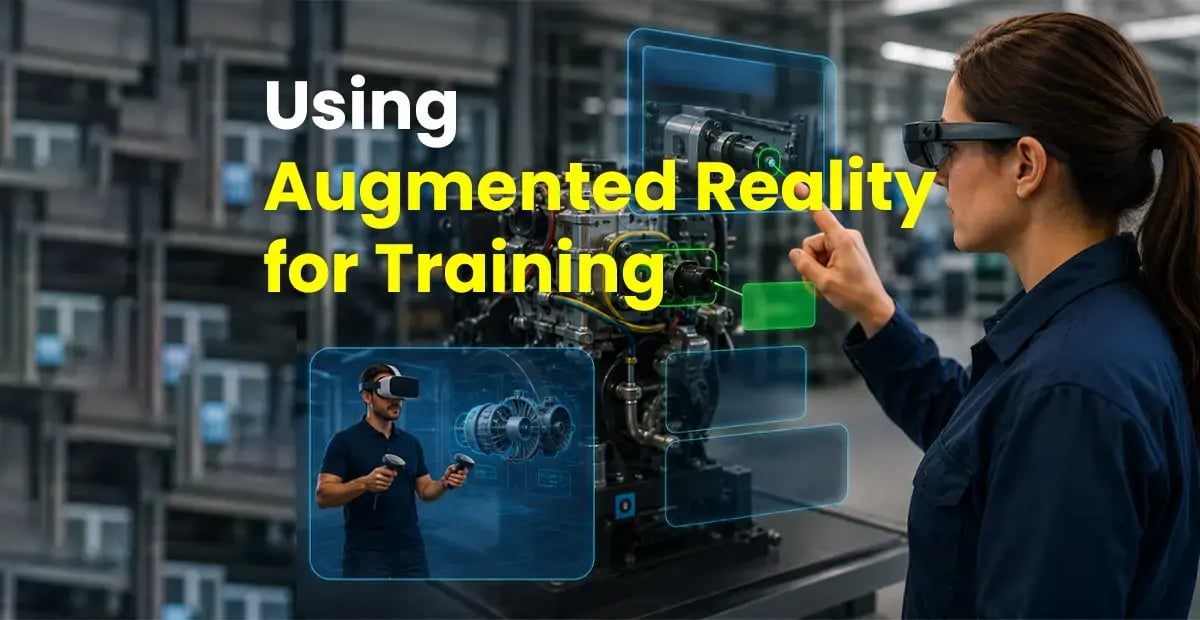
AR/VR app development for manufacturing is the process of designing, building, and deploying augmented reality (AR) and virtual reality (VR) applications that train workers, guide maintenance procedures, and reduce incidents on factory floors. AR overlays step-by-step instructions onto real equipment during live tasks. VR places workers inside immersive safety simulations before they touch real machinery. Integrated together, they form the most effective enterprise training and performance-support system available to manufacturers today.
Manufacturing is the industry where the cost of inadequate training is most immediate, most visible, and most measurable. An operator who skips a step during equipment startup damages a machine worth hundreds of thousands of dollars. A maintenance technician who misidentifies a component causes a production shutdown. A new hire who fails to recognize a chemical storage hazard becomes an OSHA recordable incident statistic.
The traditional response — classroom safety inductions, printed maintenance manuals, supervised floor time — has not kept pace with the volume and complexity of modern manufacturing operations. High turnover (30–40% annually in US manufacturing), multi-site operations, diverse language workforces, and the accelerating retirement of experienced tradespeople have created a training gap that no classroom program can close.
Integrated AR maintenance workflows and VR safety training simulations close that gap. This guide explains exactly how to plan, build, and deploy them across multi-site manufacturing operations — from initial skills audit through full enterprise rollout and performance measurement.
The most common failure mode in AR/VR development for manufacturing is beginning with the technology rather than the problem. Organizations that start by selecting a headset or a platform before identifying which specific skill gaps are costing them the most invariably build solutions that are impressive but not impactful.
A structured skills audit takes 2–3 weeks and produces the foundation for everything that follows: the content brief, the scenario priorities, the ROI model, and the success metrics.
|
📋 Incident & near-miss data
Pull your OSHA 300 log, near-miss reports, and insurance claims for the last 3 years. Identify the top 5 incident categories by frequency and severity. These become your priority VR safety scenarios — training built around your own incident history is the most defensible ROI case you can make.
|
🔧 Maintenance error analysis
Review work order records for repeat maintenance errors, equipment downtime caused by incorrect procedures, and calibration failures. These identify the highest-value AR maintenance workflow candidates — the tasks where a technician looking back and forth between a paper manual and a live machine is creating the most risk and cost.
|
|
📊 Onboarding timeline data
Measure your current average time from hire date to certified role competency, broken down by role. Calculate the productive output lost per hire during that window. This figure — not training cost — is usually the largest single ROI driver and the number that gets executive buy-in for the AR/VR investment.
|
🌐 Multi-site variance
Compare incident rates, quality defect rates, and training completion rates across your plants. If your Ohio facility outperforms Texas on safety metrics, the gap is almost certainly a training delivery and consistency problem — which AR/VR solves more effectively than any other format at multi-site scale.
|
AR and VR are not interchangeable. Each format has a specific role in the manufacturing training lifecycle — and choosing the wrong one for a given scenario produces worse outcomes than the classroom program it replaces. The decision is driven by when in the work cycle the learning needs to happen and what the consequence of a mistake is during training.
| Scenario type | VR | AR | Blended |
|---|---|---|---|
| Safety induction & hazard recognition | ★★★ | Supplementary | Best option |
| Equipment maintenance procedures | Initial training | ★★★ | Best option |
| LOTO certification | ★★★ | Floor reminder only | VR primary |
| Quality inspection & defect ID | Pre-training only | ★★★ | AR primary |
| Emergency evacuation & response | ★★★ | Wayfinding only | VR primary |
| Forklift & PIT operation | ★★★ | Post-cert reminders | Best option |
Hardware selection for industrial AR/VR deployments is governed by three factory-floor realities that consumer-grade devices are not designed for: PPE compatibility, hazardous environment ratings, and hands-free operation requirements. Getting this wrong at procurement stage means the technology never gets used — the best simulation in the world fails if operators can't wear the headset over their safety glasses.
|
Primary recommendation
Meta Quest 3
$550/unit. Standalone — no PC, no cables, no IT infrastructure requirement. Passthrough MR mode for blended scenarios. Ships with universal head strap compatible with hard hat mounts. Best balance of fidelity, cost, and deployability for manufacturing.
Standalone Hard hat mount MDM manageable
|
High-fidelity option
HTC Vive Focus 3
$1,300/unit. Enterprise-grade standalone with IP40 dust resistance and swappable battery. Wider field of view than Quest 3. Preferred for high-stakes simulation environments where visual fidelity is critical — confined space, chemical plant, complex multi-step assembly.
IP40 rated Hot-swap battery Enterprise MDM
|
|
Entry — Tablet AR
iPad / Android tablet
Uses ARKit or ARCore. No new hardware investment. One hand required. Best for inspection checklists, QR-triggered maintenance guides, visual work instructions.
Cost: existing fleet
|
Recommended — Smart glasses
RealWear Navigator 520
Head-mounted, hands-free, voice-commanded. Worn over safety glasses. IP66 rated. Zone 2 ATEX for explosive atmospheres. The enterprise standard for industrial AR in the US.
$1,500–$2,000/unit
|
Full MR — Spatial computing
Microsoft HoloLens 2
Full spatial mapping, holographic overlays anchored to physical equipment. Hand tracking. Remote expert sees live view. Best for complex multi-step assembly and rare high-stakes procedures.
$3,500–$5,000/unit
|
The technology stack for industrial AR/VR development is not simply a headset selection — it encompasses the 3D development engine, the CAD pipeline, the MDM layer, and the LMS integration. All four must be evaluated together to avoid integration failures at deployment.
|
💻 Unity 3D (primary engine)
The industry standard for industrial XR development. Native support for Meta Quest (OpenXR), HoloLens (MRTK3), and RealWear. XR Interaction Toolkit handles cross-platform input. Physics-based interaction via PhysX. Most industrial AR/VR development teams are Unity-native.
|
🛠 Pixyz — CAD to VR pipeline
Converts your engineering CAD models (SolidWorks, CATIA, STEP, OBJ) directly into Unity-optimised 3D assets. Automated LOD generation, polygon reduction, and UV mapping. This is the pipeline that makes it possible to build a VR replica of your actual factory equipment without starting 3D models from scratch.
|
|
📱 MDM — ArborXR / ManageXR
Enroll every headset in a mobile device management platform. Push content updates silently over Wi-Fi. Remote lock, wipe, and configuration. Usage analytics per device. Kiosk mode for training stations. Essential for multi-site deployments with 20+ devices.
|
📊 xAPI / LMS integration
All training content published as SCORM 2004 or xAPI packages. Completion records, assessment scores, and task-level performance data flow into your existing LMS (SAP SuccessFactors, Cornerstone, Workday, Moodle). No new reporting system required. Audit trail generated automatically for OSHA compliance.
|
An AR maintenance application is not a digitised PDF. It is a spatially-aware, procedure-enforcing guidance system that knows which machine the technician is standing in front of, which step they are on, and whether they have completed it correctly before allowing them to proceed. The difference in development approach — and in maintenance outcome — is substantial.
A VR safety simulation for manufacturing is built around one core principle: the learner must experience the consequence of the mistake. Not watch a video of it. Not read about it in a manual. Experience it — in a simulation where the consequence is real enough to activate the brain's threat-response system, but safe enough that no one is harmed.
This is the mechanism behind every VR safety outcome metric. A technician who has experienced a simulated machine entrapment from bypassing a lockout procedure will not bypass that procedure on the real machine — not because they fear punishment, but because their brain has encoded the consequence as a real memory.
One of the most frequently underestimated advantages of AR/VR training for manufacturing is the data it generates. Every learner interaction inside a simulation or guided AR workflow is logged — not just completion, but task-level performance. Which specific procedure step did the maintenance technician hesitate on? Which hazard did the VR learner miss on first pass? Which plant has the lowest LOTO procedure accuracy rate? These questions are now answerable.
|
✅ What xAPI logs from VR
|
✅ What xAPI logs from AR
|
Multi-site manufacturing is where AR/VR training's structural advantages over classroom instruction become most visible. A trainer cannot be in Ohio and Texas simultaneously. A VR simulation can. The same module, the same standard, the same assessment — deployed to every plant in your network overnight via MDM.
|
🚛
Headset fleet model
A rotating fleet of 15–20 headsets serves all plants on a scheduled deployment calendar. Plant A uses the fleet Monday–Wednesday, Plant B Thursday–Friday. Fleet ships in a Pelican case — MDM-enrolled, content pre-loaded, charged and ready.
|
🌐
Multilingual delivery
Audio narration, UI labels, and assessment questions localised into 14 languages. US manufacturing workforces are among the most linguistically diverse of any sector — English-only training has a systematic comprehension gap that multilingual VR eliminates.
|
📊
Consistent quality
Every operator at every plant completes the identical simulation to the identical standard. The quality variance between sites that drives multi-site incident rate divergence drops to zero when training quality is trainer-independent.
|
AR/VR programs generate more measurable outcome data than any other training format — but that data only drives value if someone is looking at it and acting on it. A 60-day post-deployment review is standard practice. Use these benchmarks to interpret your results:
| Metric | Before AR/VR | Target (Year 2) | Data source |
|---|---|---|---|
| Onboarding duration | Baseline weeks | ↓ 40–42% | HR system — hire date to cert date |
| OSHA recordables | Baseline / yr | ↓ 25–35% | OSHA 300 log, yr-on-yr comparison |
| Maintenance task time | Baseline mins | ↓ 35–40% | AR system work order completion logs |
| Training completion rate | 65–72% | 94%+ | LMS completion records |
| 30-day knowledge retention | 28–35% | 75–80% | Post-training assessment, 30-day interval |
| Training cost per learner | Baseline $/head | ↓ 50–60% | Finance — total program cost ÷ completions |
Direct answers to the questions manufacturing safety and training leaders ask most frequently when evaluating enterprise AR/VR development partners.
We’ll demo both formats — a VR safety simulation and an AR maintenance workflow for the same equipment — built around your industry and training objectives. 30 minutes. No commitment.
▶ Book a free demo